Kirby Obsidian Sync

Kirby Obsidian Sync is both a Kirby plugin and an Obsidian plugin. It helps you to keep both in sync and to use Obsidian to write and publish pages on your Kirby powered website.

Features

  • Stay in Sync

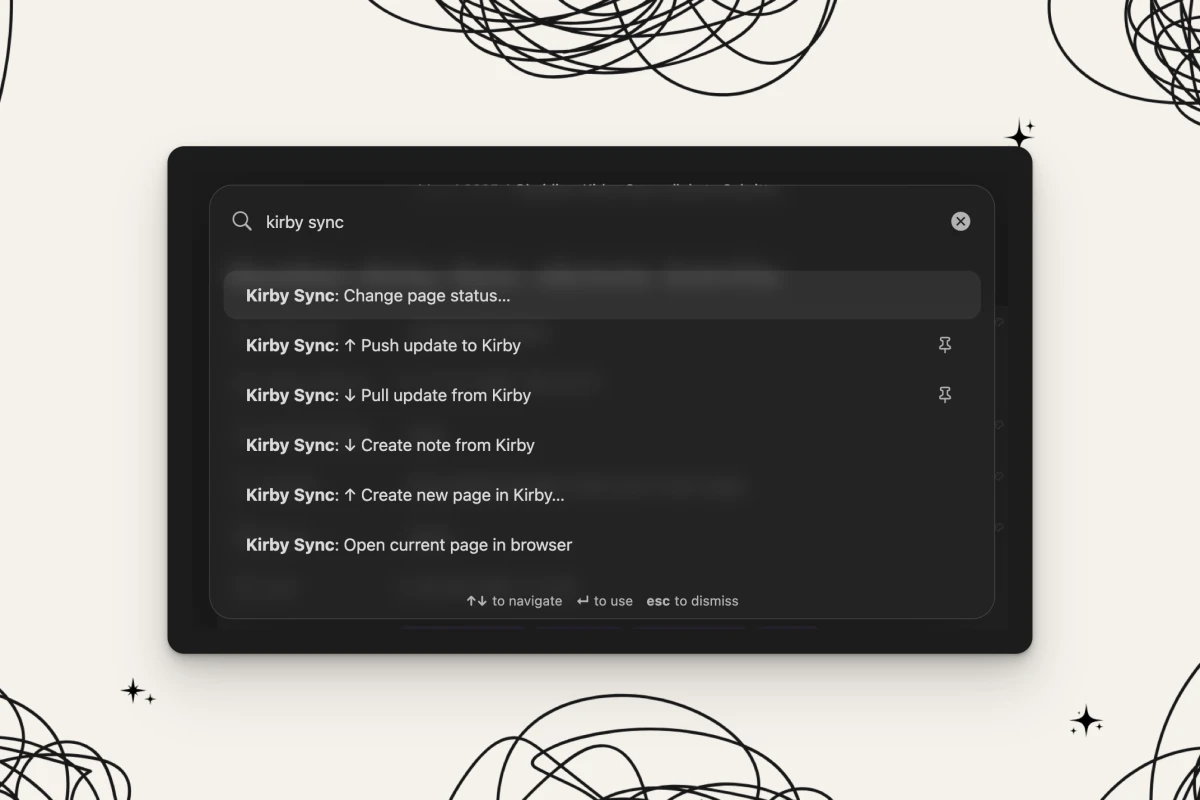
    Keep your Kirby pages in sync with your Obsidian vault. Use commands to update or create pages, publish them or open them in your browser.

  • Pull changes

    Pull updates from Kirby into your Obsidian vault. Create new notes or update existing ones.

  • Push changes

    Push local updates to Kirby. Create new pages on the fly or update existing.

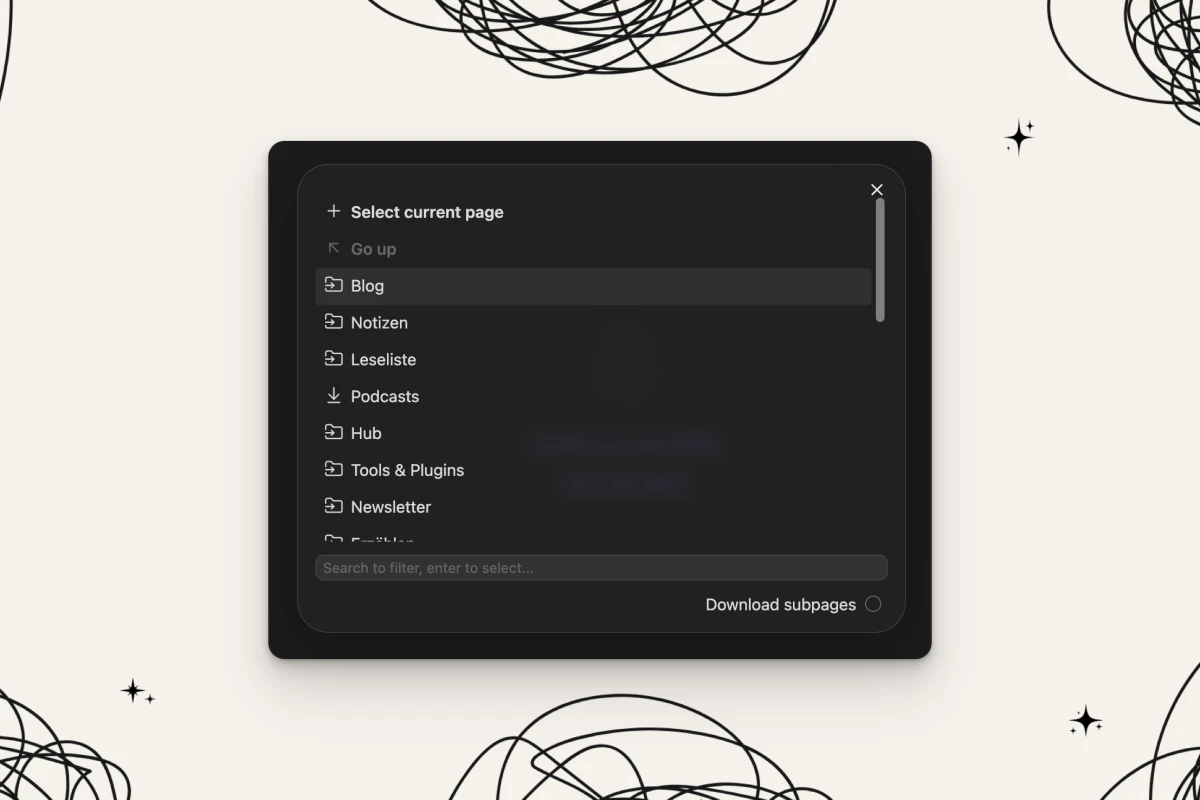
  • Clone pages

    Clone a single page or a tree structure. Kirby Obsidian Sync replicates the structure in your vault, creates those pages, and even downloads images.

  • Status updates

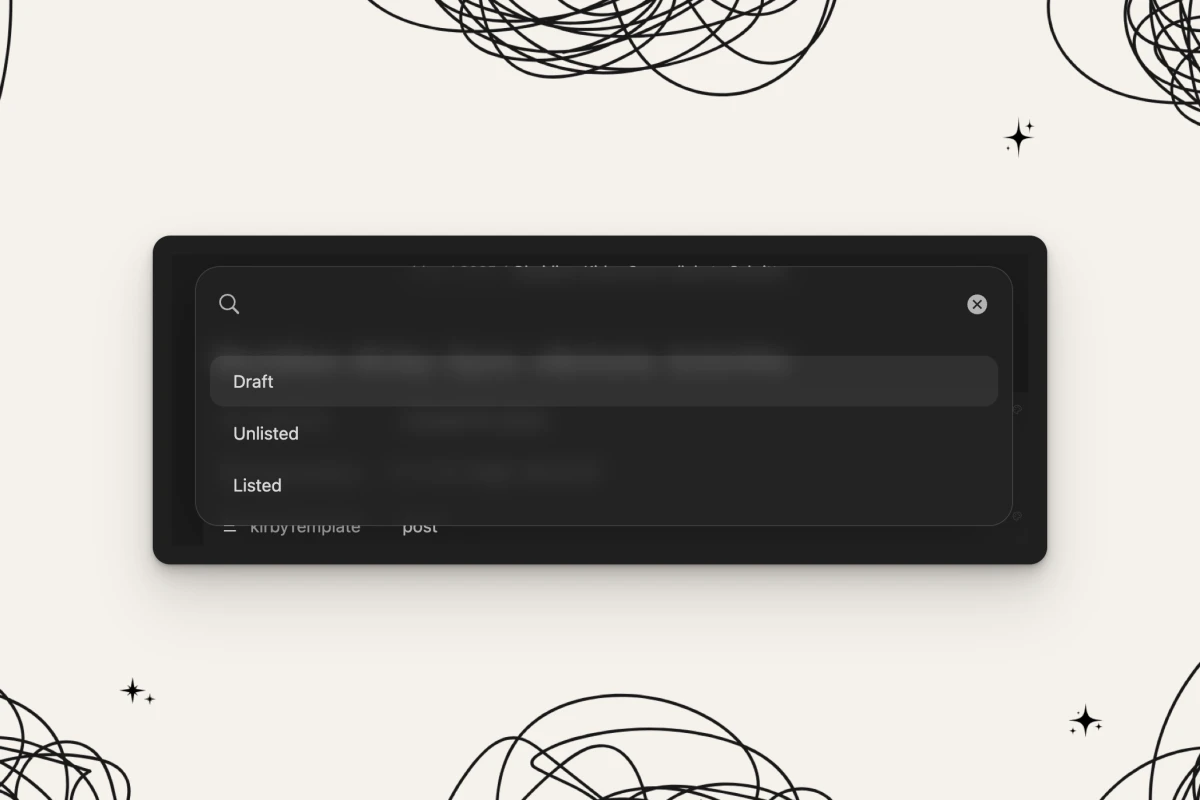
    Ready to publish? Use the built-in command to easily publish a page from your Obsidian vault and another one to open synced notes directly on your website.

  • Image Sync

    Whenever you embed an image in your content, this image will be up- or downloaded alongside your notes and pages.

  • Wikilinks

    Use Wikilinks in Obsidian as you are used to. Push your content to Kirby and some magic happens! Wikilinks will be transformed to a Kirbytag referencing the matching UUID.

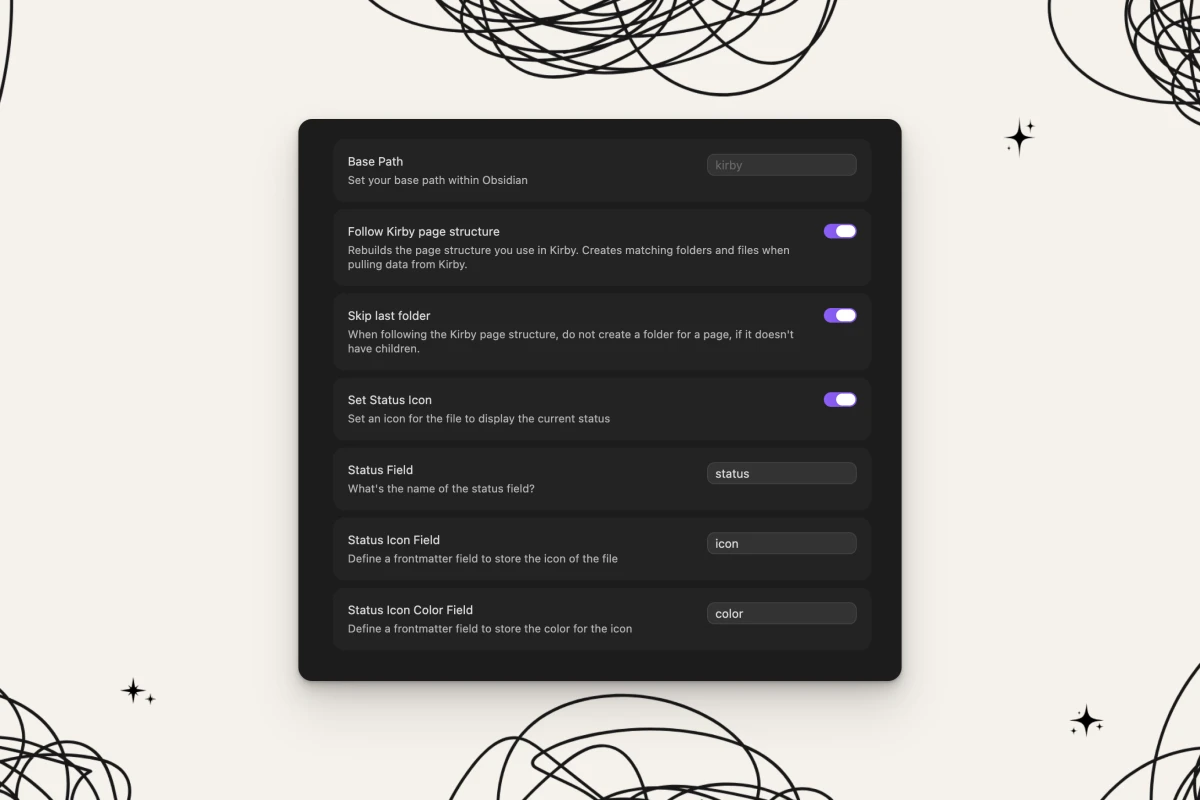
  • Status mapping

    Map the Kirby page status to colors and icons so you can see them in your notes listing when you use Obsidian plugins like the Notebook Navigator.

  • Panel Button

    Already have a page ready in the Kirby Panel? Simply hit the Obsidian Panel button, and it will open the same page in Obsidian. It will also update or create the page in Obsidian if it's outdated or not existing.

You can comment on this post from your blog.

This post reacts to webmentions. You can link it from your website and send a webmention. Your contribution will then appear in the comments here. Does your site not support webmentions? Enter the link to your post here:

Write a comment
By submitting your data, you agree that all entered data may be saved and displayed as a comment.